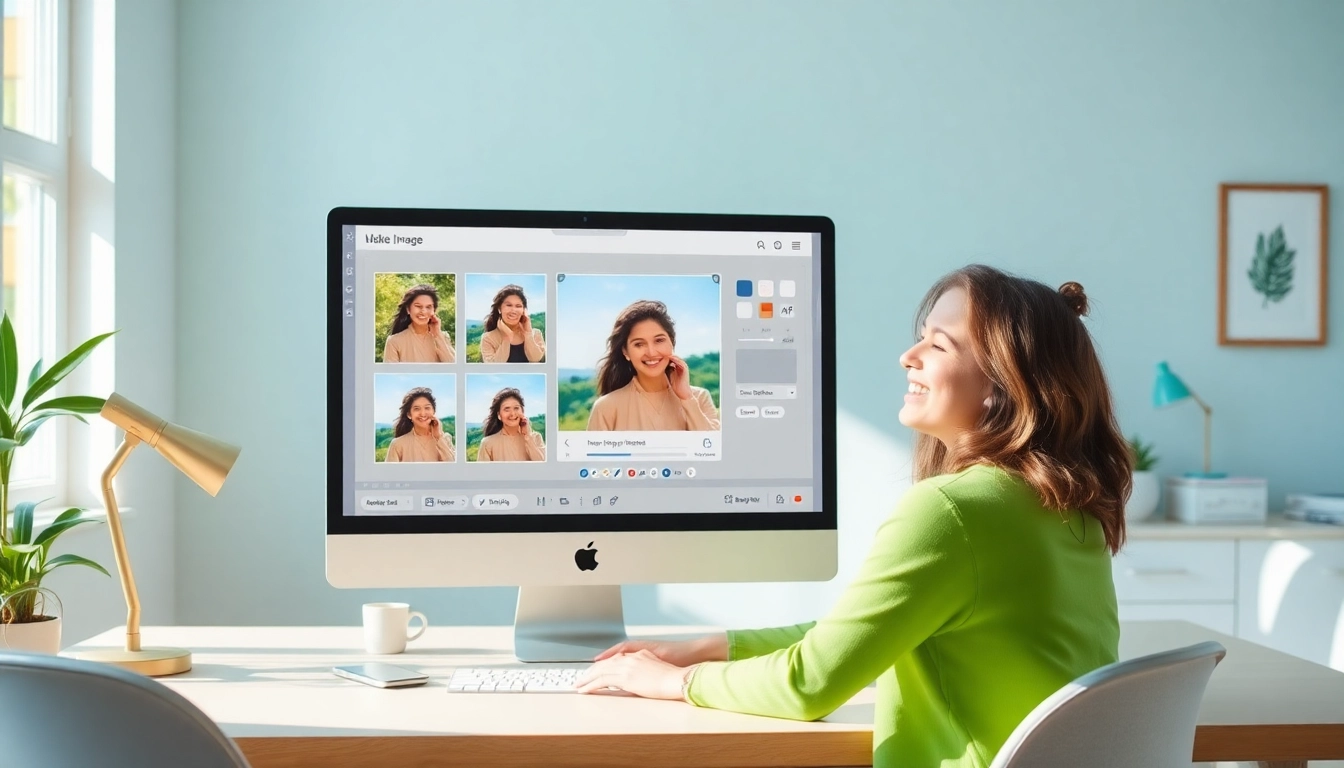
Understanding Square Images
In a world where visuals reign supreme, the ability to create stunning images tailored for various platforms has become essential. One particularly effective format is the square image, which offers versatility and aesthetic appeal. Whether you’re a social media influencer, a business owner, or just someone who loves photography, knowing how to make image square can significantly enhance your visual content. Square images are not only visually pleasing, but they also optimize space for various applications, from Instagram posts to profile pictures.
What is a Square Image?
A square image is defined by its equal dimensions on all sides, resulting in a shape where the width and height are the same. This 1:1 aspect ratio is particularly popular in social media platforms, where images are often displayed in boxes. The perfect squares eliminate the clutter often associated with irregular shapes, allowing subjects of the photo to stand out. The simplicity of a square image can also enhance the overall composition, making them ideal for advertising, branding, and online presence.
Benefits of Using Square Images
- Uniformity: Square images provide a consistent appearance across various media, ensuring a cohesive look for your brand.
- Versatility: They can be adapted easily for any medium, from website galleries to social media feeds.
- Visual Impact: The balanced design of square images draws the viewer’s attention directly to the subject, enhancing the emotional connection.
- Ease of Use: Most editing tools are designed to create or manipulate square images, simplifying the design process.
Common Use Cases for Square Photos
Square images can be seen everywhere, serving various purposes:
- Social Media: Platforms like Instagram and Facebook favor square images, making them essential for posts.
- Business Profiles: Profile pictures on platforms like LinkedIn and Twitter often appear in a square format.
- Advertising: Square images are commonly used in ads, creating a more focused visual narrative.
- Portfolio Displays: Artists and photographers use square images to present their work neatly and uniformly.
How to Make Your Image Square
Creating a square image might seem a daunting task if you’re not familiar with image editing. However, with the right tools and techniques, it can be a straightforward process. Below is a simple step-by-step guide to help you transform your images into perfect squares.
Step-by-Step Guide on Cropping
- Choose Your Image: Start by selecting the image you want to convert to a square format.
- Use an Online Tool: Navigate to an online image editing tool that supports square cropping.
- Upload Your Image: Drag and drop your chosen image into the tool’s interface.
- Select Square Crop: Choose the option to crop your image into a square.
- Adjust Composition: Use zoom and reposition features to frame your subject perfectly.
- Preview and Save: Preview your final image and download it in your preferred format.
Using Blur Backgrounds: A Modern Approach
Another popular technique for creating square images involves adding a blur or solid color background. This method not only maintains the integrity of your subject but also enhances its visual appeal by providing a contextually relevant backdrop.
- Upload Your Image: Just like before, begin by uploading your image.
- Select Blur Background: Choose the option to add a blur effect or a solid color to your image’s background.
- Adjust Composition: Position your subject within the square frame to create a balanced look.
- Preview and Download: After making adjustments, preview your image and save it in high quality.
Transforming Rectangles into Squares Without Cropping
If you’re concerned about losing important elements of your image by cropping, there are tools available that can convert rectangular images into squares without compromising the main subject. These tools allow you to add extra space to the sides of the image, using color fills or blur effects to create harmonious compositions.
- Choose Your Image: Select the rectangular image you wish to convert.
- Use an Online Converter: Find an online tool specifically designed for this purpose.
- Upload and Select Options: Upload your image, then choose the option to add borders or backgrounds.
- Save Your Image: Once satisfied with the adjustments, download your newly squared image.
Tools and Techniques for Image Transformation
The market is teeming with tools that simplify the process of making square images. Here’s a look at some of the top options available for both online and mobile use.
Top Online Tools for Making Images Square
- Square Image: A user-friendly online platform that lets you upload, crop, and download images in square format instantly.
- Canva: Offers a versatile design tool that allows users to create square images with various templates and backgrounds.
- Fotor: An online editor that provides robust cropping tools, including square options, with additional features like filters and effects.
Mobile Apps for Quick Square Image Creation
- Squaredroid: An app specifically designed for creating square images without cropping, ideal for Instagram users.
- No Crop for Instagram: This app allows users to add backgrounds effortlessly while keeping the entire rectangle intact.
- Adobe Spark: A mobile version of Adobe’s editing suite that offers a range of square image creation features.
Comparing Image Formats: Which is Best?
When saving your newly created square images, the choice of file format can significantly affect the quality and usability of your images. Here are the most common formats:
- JPEG: Best for photographs, as it compresses image data efficiently while maintaining quality.
- PNG: Ideal for images that require transparency and higher quality, though the file sizes tend to be larger.
- WebP: A newer format that provides superior compression and quality, making it a great option for websites.
Enhancing Your Square Images
Creating a square image is just the beginning. To truly stand out, consider applying various enhancements that can captivate your audience.
Adding Filters and Effects
Filters can dramatically change the mood and impact of your square images. Consider using:
- Black and White: This can add a classic touch to your photos.
- Vintage Filters: These evoke nostalgia and can resonate well with certain audiences.
- Color Enhancements: Use tools that allow you to boost saturation and contrast to make your subject pop.
Color Adjustments for Impactful Photos
Color plays a vital role in photography. Fine-tuning your images can elevate them significantly:
- Adjust Brightness and Contrast: These basic adjustments can enhance visibility and detail.
- Temperature Tweaks: Warmer tones can create inviting atmospheres, while cooler tones convey calmness.
- Saturation Control: Be careful with over-saturation; the goal is to enhance, not overwhelm.
Creating Eye-Catching Thumbnails
Thumbnails are crucial for grabbing attention, especially on platforms like YouTube and blogs. Ensure your square images are compelling enough to draw viewers in:
- Bold Titles: Incorporate text overlays that are easy to read against your image background.
- Inviting Imagery: Use visually striking photos that represent the content of your video or article well.
- Consistent Branding: Maintain a recognizable style that aligns with your overall brand aesthetic.
Future Trends in Image Formatting
As technology evolves, so do the tools and techniques available for image editing. Here are some trends to watch for in the coming years:
Emerging Technologies for Image Editing in 2026
AI-driven editing tools are becoming more sophisticated, allowing for automatic adjustments that align with user preferences. Expect to see more tailored features that can learn from past edits to streamline the creative process.
The Role of AI in Image Transformation
AI is set to revolutionize how we create and edit images. Expect features like:
- Content-Aware Cropping: Smart tools that can determine the focal points in an image and adjust the crop accordingly.
- Automated Color Correction: AI can analyze lighting conditions and correct color discrepancies automatically.
- Smart Filters: These will adapt based on the subject and setting of your images to provide optimal enhancements.
Preparing for Social Media Changes: Best Practices
In the ever-changing landscape of social media, staying updated on the latest trends is crucial. To maximize engagement, ensure your square images are:
- High Resolution: Quality matters; always opt for the highest resolution possible.
- Mobile-Friendly: With most users browsing on mobile, ensure your images look great on smaller screens.
- Optimized for Speed: Compress images without losing quality to improve loading times.