Understanding the White Screen Tool
The white screen tool has become an essential resource, particularly in our visually driven world that demands clarity and function. Whether you're a professional photographer needing controlled lighting, a remote worker seeking a distraction-free environment, or simply someone looking to check the quality of your monitor, the uses of a white screen are vast and varied. In this comprehensive guide, we will explore the numerous features, benefits, and applications of the white screen tool, offering a detailed look at how you can optimize its use to fit your needs.
What is a White Screen Tool?
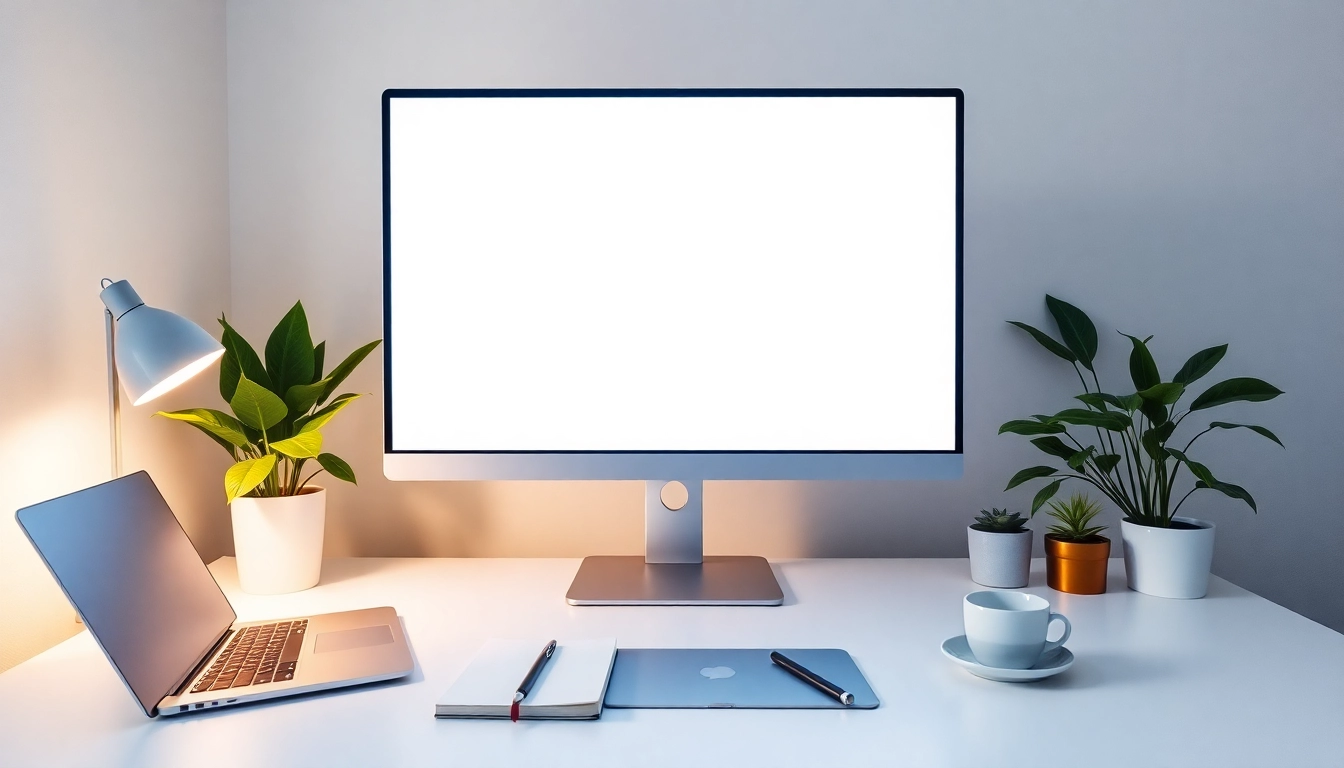
A white screen tool is a simple yet powerful utility that displays a pure white background, effectively turning your screen into a canvas for various applications. It serves multiple purposes, from enhancing lighting in video calls to acting as a backdrop for creative projects. This tool is particularly useful in scenarios where clean, bright illumination is needed, such as in photography, video conferencing, or even when testing display quality.
Key Features and Benefits of Using White Screens
- Versatility: The white screen can be utilized across various industries and tasks, from art to tech testing.
- Lighting Control: It can serve as a soft light source, beneficial for video calls and photography.
- Distraction-Free Environment: Provides a clean workspace for studying or focusing on tasks without interruptions.
- Dead Pixel Testing: Useful for identifying issues on your monitor or device screens.
- No Registration Required: Most online tools are free and easily accessible, requiring no sign-up or fees.
Common Uses Across Various Industries
The applications of a white screen are extensive. In professional photography, it acts as a reflector or background to enhance the subject's features by providing even lighting. In the realm of education, students often use it to focus better, blanking out distracting content. Graphic designers may find it helpful for tracing or sketching, while videographers can utilize it to improve their lighting setup during shoots.
How to Utilize the White Screen Effectively
Step-by-Step Guide to Launching the White Screen Tool
Getting started with the white screen tool is straightforward. Follow these simple steps:
- Select your preferred color from a palette, often providing options beyond just white.
- Click the 'Launch' button to open the tool in fullscreen mode.
- To exit fullscreen, press F11 or ESC on your keyboard.
- Download the image in your desired resolution for offline use or documentation.
Adjusting Brightness and Color Settings
Many white screen tools allow for brightness and color adjustments, which can be beneficial for various tasks. Users can modify the intensity of the light emitted from the screen, allowing for a more tailored user experience. On most devices, this can be managed through system settings or the tool's interface.
Tips for Optimal Usage During Zoom Calls
For individuals using white screens during video calls, consider the following tips:
- Positioning: Place your camera at eye level and ensure the white screen is behind you, providing soft lighting.
- Brightness Control: Adjust the brightness so that it enhances your features without causing glare.
- Quality Check: Test the setup before important calls to ensure that the lighting appears natural and flattering.
Real-World Applications of White Screens
Using White Screens in Photography Lighting
In photography, lighting is crucial. White screens can be used to create a soft light that reduces harsh shadows, making them ideal for portrait shoots. Photographers often place a white screen behind their subjects to reflect light, resulting in more vibrant and well-lit images.
White Screen as a Creative Tool for Artists
Artists utilize white screens as a method for tracing, sketching, or even for inspiration. By placing their canvas over a white screen, they can easily view underlying images or sketches, facilitating a smoother workflow. This technique is especially popular for those creating detailed illustrations or designs.
Enhancing Focus and Productivity with White Screens
In a world filled with distractions, a white screen can help create a controlled workspace. When studying or working on demanding projects, turning on a white screen can help eliminate visual noise, aiding concentration. Users report finding it easier to remain focused on their tasks when surrounded by a minimalistic background.
Frequently Asked Questions About White Screens
Is It Safe to Stare at a White Screen?
While the white screen is safe for short-term use, it is advisable to take breaks to avoid eye strain. Users should adjust their screens or take regular pauses to maintain comfort, especially during extended sessions.
Can White Screens Be Used for Monitor Testing?
Yes, one of the most common uses for a white screen is testing monitor quality. It can highlight dead pixels or color inconsistencies, making it an invaluable tool for tech professionals and enthusiasts alike.
How to Download and Use White Screen Images
Most online white screen tools allow users to download images easily. Simply select the desired resolution and click the download button. These images can then be used offline, making them versatile for presentations or personal projects.
Future Trends and Innovations in Screen Tools
Emerging Technologies in Display Management
As we progress into 2025, we can expect advancements in screen technology to improve the functionality of tools like white screens. Features such as adaptive brightness control, automated color adjustments, and integration with virtual reality systems are on the horizon, enhancing user experience in exciting new ways.
How White Screens are Evolving in 2025
The evolution of white screens will likely see them become more interactive. Innovations in touch-enabled technology will allow users to manipulate the screen for various applications, such as adjusting colors or patterns for artistic endeavors directly in real-time.
Expert Insights on Best Practices for Utilizing Screen Tools
Experts recommend regularly updating your tools and settings to keep pace with the latest innovations. Embracing best practices—such as optimal positioning for lighting and screen adjustments—will ensure that users can maximize their experience with white screens and other digital tools.